Shorts captions

Add subtitles to your YouTube Shorts

Captions boost watch time and accessibility on YouTube Shorts. ClipMint auto-generates word-level subtitles, lets you style them with curated presets, and exports a captioned MP4 — or an SRT you can upload to YouTube directly.

Open Free Studio

Transcription: 5 free min · Cloud Export: 5 free min · no account or card
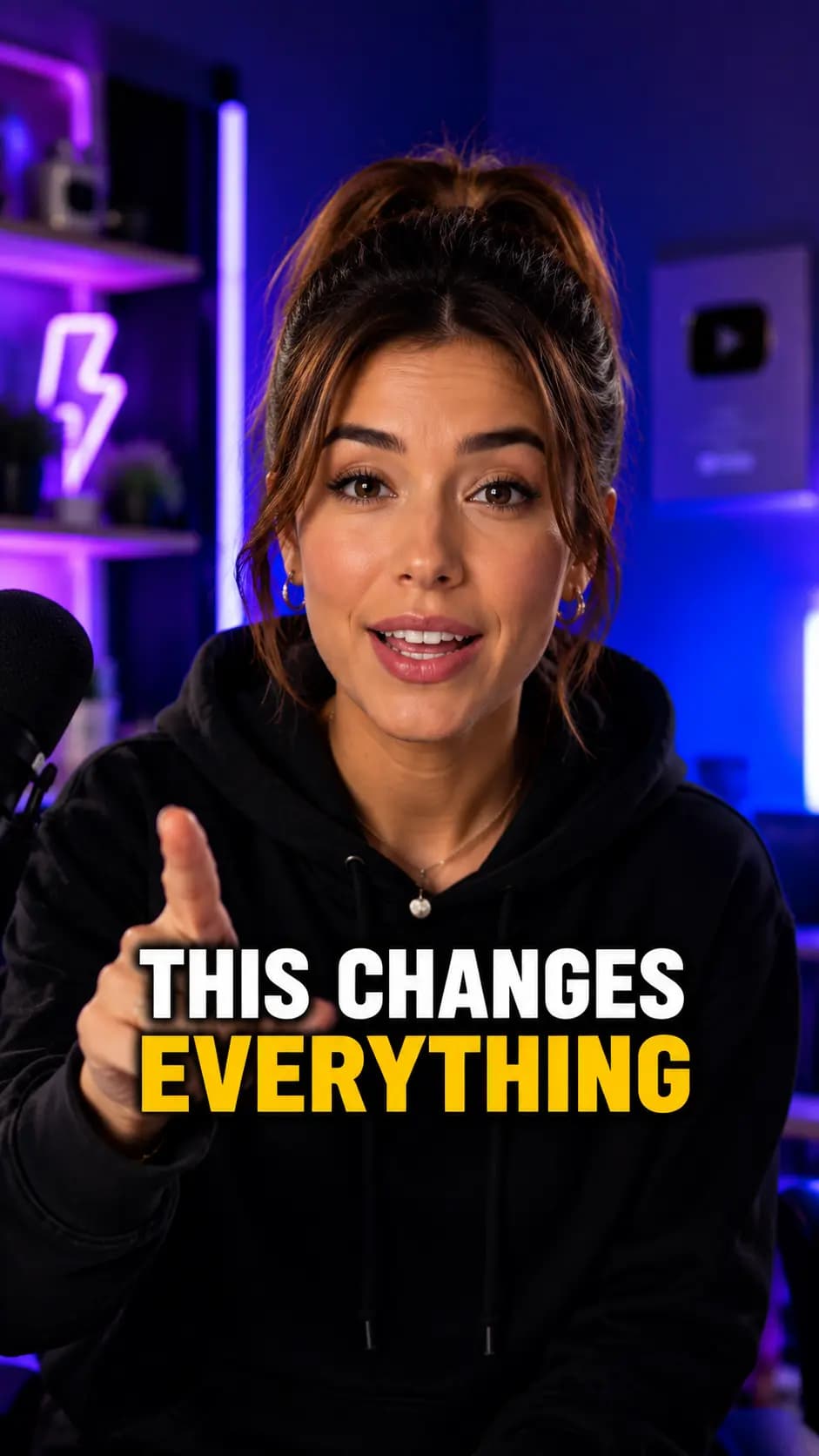
Caption styles, ready to use

Vertical video with bold white captions and a yellow highlighted keyword
Vertical video with bold white captions and an orange highlighted keyword
Vertical video with bold white captions and a blue highlighted keyword
Vertical video with bold uppercase white captions and a yellow highlighted keyword
Vertical video with elegant serif captions and an orange highlighted word

How it works

1

Upload your Short

Add your clip in MP4, MOV, WebM, or another common video format.

2

Generate subtitles

Accurate word-level captions are produced automatically in seconds.

3

Style and export

Apply a preset, edit any word, then export MP4 or download SRT, VTT, or JSON.

Why creators use ClipMint

Upload-ready SRT

Export an SRT file to attach as YouTube's own captions, or burn them into the MP4.

Higher retention

On-screen words keep viewers engaged through the whole Short.

Full editing control

Fix wording and timing before you publish — nothing goes out unchecked.

Frequently asked questions

Can I upload the captions as a separate SRT file to YouTube?
Yes. ClipMint exports SRT (and VTT) files you can upload to YouTube as captions, or you can export an MP4 with the subtitles burned in.
Can I edit the subtitles before exporting?
Absolutely. You can fix any word, adjust timing, and restyle captions in the editor before you export. You stay in control of every line.
How fast is it?
Generation is near-instant. Most clips are processed in under a minute, and a 10-minute video typically takes 30–45 seconds to produce word-level subtitles.
Can I generate and Cloud Export before creating an account?
Yes. You get 5 free transcription minutes and 5 free Cloud Export minutes before signup. Supported Local Export is also free. Create an account to keep your project and unlock 15 additional transcription minutes and 15 additional Cloud Export minutes.

Add subtitles to your YouTube Shorts

Get 5 free transcription minutes and 5 free Cloud Export minutes before signup.

Open Free Studio

No account. No card. No forced watermark.